Upgrading & rollback
Overview
UltraTorrent is updated by pulling the latest source and rebuilding the images. There is no published registry image to docker pull, and nothing auto-updates itself.
Two facts govern everything on this page:
- Database migrations apply automatically. The backend container's command is
prisma migrate deploy && node dist/main.js, so a new release migrates the schema the moment its container starts. - Migrations are forward-only. There is no
migrate down. Once a new schema is applied, the only way back to the old code is to restore the database backup you took first.
Which is why every procedure below starts with a pg_dump.
It is one command and it is the entire difference between "roll back in two minutes" and "reinstall from scratch".
Video coming soon.
Read the Release Notes first. They list what each version added, changed and fixed, newest first — including anything that needs action on your part.
Prerequisites
- Shell access to the Docker host.
- Somewhere to put a database dump that is not the host you are upgrading.
- A few minutes of downtime — the rebuild recreates containers.
Requirements
Same as the install: ~2 GB of free RAM for the rebuild, plus a couple of GB of disk for the new image layers (old ones linger until you prune).
Ports · Volumes · Permissions
An upgrade changes none of them. Your .env, your docker-compose.override.yml, your postgres_data and your downloads all survive — git pull does not touch untracked files, and up -d --build recreates containers, not volumes.
The one thing that can change across releases: new environment variables. Diff the template after pulling:
git diff HEAD@{1} -- .env.example
The upgrade flow
Step-by-step
1. Read the release notes
Check the project's CHANGELOG.md for the versions between yours and the target. Look for anything about required environment variables, breaking changes, or manual migration steps.
Your current version:
curl -s http://localhost:8080/api/system/version
…or Settings → About in the UI.
2. Back up
cd ultratorrent

# The database — everything except the media itself
docker compose exec -T postgres pg_dump -U ultratorrent ultratorrent > backup-$(date +%F).sql

# Your .env — without ENCRYPTION_KEY you cannot decrypt stored 2FA secrets
cp .env ~/ultratorrent-env-$(date +%F).bak

# The exact commit you are on right now — your rollback target
git rev-parse HEAD > ~/ultratorrent-rollback-$(date +%F).txt
Verify the dump is not empty and is not an error message:
ls -lh backup-$(date +%F).sql
head -5 backup-$(date +%F).sql        # should start with PostgreSQL dump headers
Then copy it off the host. A backup on the machine you are about to break is not a backup. See Backup & restore.
3. Pull the new code
git pull
Your .env and docker-compose.override.yml are untracked, so they survive untouched.
Editing docker-compose.yml or deploy/Caddyfile in place makes git pull conflict. Keep your customizations in docker-compose.override.yml instead — that is exactly what it is for.
No git? Download the new ZIP, extract it over the folder, and keep your .env and override file.
4. Check for new environment variables
git diff HEAD@{1} -- .env.example
Anything new and required goes into your .env before you start.
5. Rebuild and restart
- With bundled rTorrent
- With bundled qBittorrent
- Own engine (no profile)
docker compose --profile rtorrent up -d --build
docker compose --profile qbittorrent up -d --build
docker compose up -d --build
docker compose up -d without --profile rtorrent will leave the rTorrent container stopped. Always repeat the profiles you originally used.
The backend runs prisma migrate deploy as it boots, so schema changes apply on their own. Watch it:
docker compose logs -f backend
6. Re-seed
docker compose exec backend npx prisma db seed
This picks up new permissions, roles and default settings introduced by the release. It is idempotent: it never resets your admin password and never touches your data. Skip it and new features may be invisible because nobody holds their permission.
7. Verify
docker compose ps                                   # all healthy
curl -s http://localhost:8080/api/system/version    # the NEW version
docker compose logs backend | tail -30              # no migration errors
Then, in the UI: log in, open Torrents (the engine should still be connected and your torrents present), and confirm a transfer's progress updates live.
8. Clean up
docker image prune -f
Rebuilds leave dangling image layers behind. Do this occasionally, not obsessively — pruning too aggressively costs you the layer cache on the next build.
Verification
docker compose ps
NAME                       STATUS                   PORTS
ultratorrent-backend-1     Up 40 seconds (healthy)  4000/tcp
ultratorrent-frontend-1    Up 40 seconds (healthy)  0.0.0.0:8080->8080/tcp
ultratorrent-postgres-1    Up 45 seconds (healthy)  5432/tcp
ultratorrent-redis-1       Up 45 seconds (healthy)  6379/tcp
ultratorrent-rtorrent-1    Up 40 seconds (healthy)  5000/tcp
curl -s http://localhost:8080/api/system/version
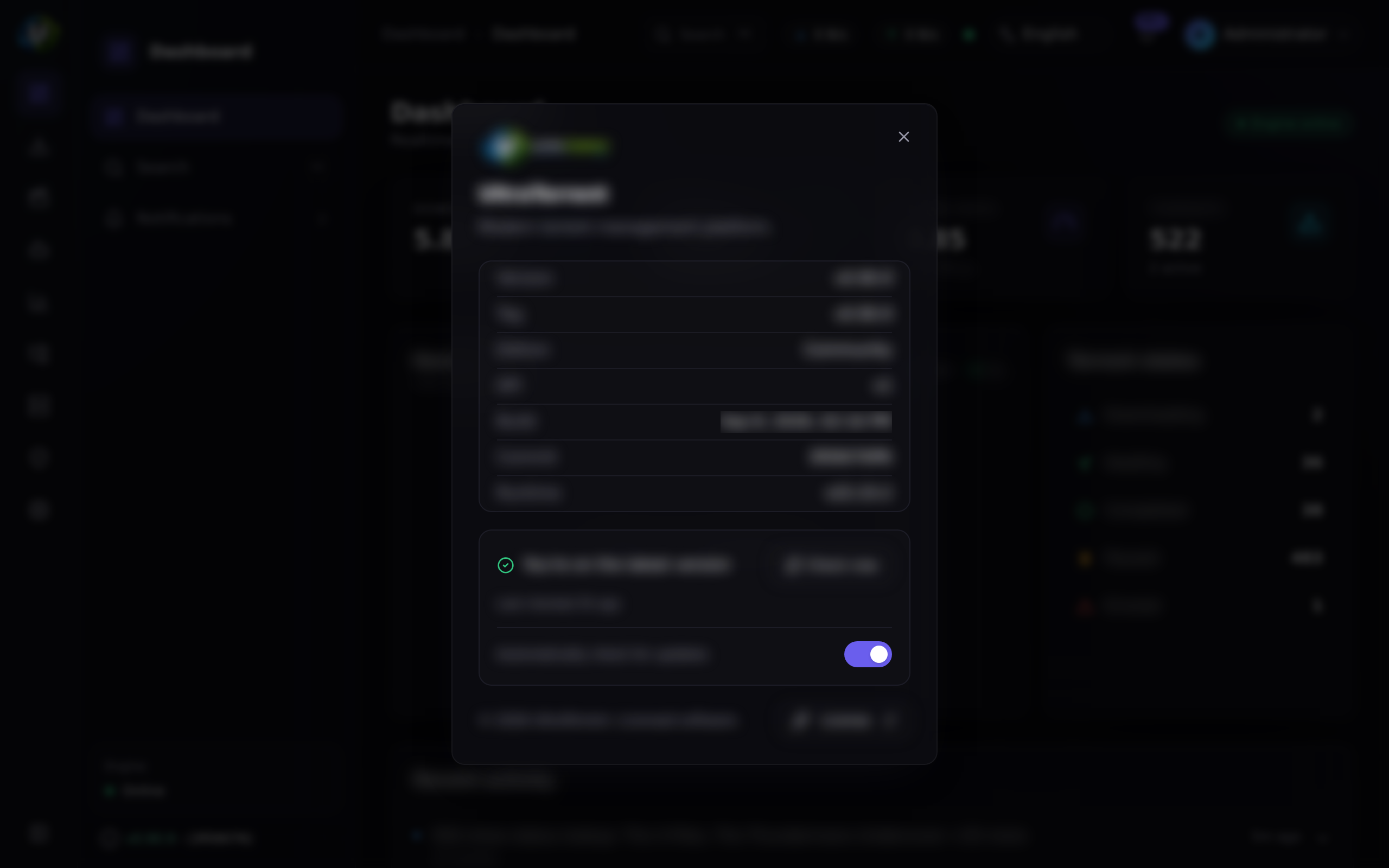
The version string should be the release you just installed. It is also shown in Settings → About, along with the git commit if the image was stamped with build args.
Rollback
Rollback is easy if you have the dump. It is not possible if you do not.
Did the schema change? Compare the migration folder between the two commits:
git diff --stat <old-commit> HEAD -- apps/backend/prisma/migrations
Empty output → no schema change → the simple path is enough.
Simple rollback (no schema change)
git checkout <old-commit-or-tag>
docker compose --profile rtorrent up -d --build
Full rollback (schema changed)
The new migration is already applied; the old code will not understand the new schema. You must restore.
# 1. Go back to the old code
git checkout <old-commit-or-tag>

# 2. Stop everything (keep the volumes!)
docker compose down

# 3. Bring ONLY postgres up, and reset the database
docker compose up -d postgres
docker compose exec -T postgres psql -U ultratorrent -d postgres \
  -c "DROP DATABASE ultratorrent;" -c "CREATE DATABASE ultratorrent;"

# 4. Restore your pre-upgrade dump
docker compose exec -T postgres psql -U ultratorrent -d ultratorrent < backup-2026-07-12.sql

# 5. Bring the old stack back up
docker compose --profile rtorrent up -d --build
docker compose down -v destroys your database-v removes the volumes — including postgres_data and downloads. Never use it as part of a rollback. The only legitimate use is a deliberate wipe-and-start-over on an install with no real data.
Your downloads are untouched by any of this. The downloads volume is never migrated, dropped or rewritten.
Migration safety
| Fact | Consequence |
|---|---|
| Migrations run on backend start, automatically | You cannot "upgrade the code but not the database" |
| Migrations are forward-only — there is no down-migration | Rolling back across a schema change requires the pre-upgrade dump |
prisma migrate deploy is idempotent | A restarted container does not re-run applied migrations |
| A failed migration stops the backend | The container will crash-loop rather than run against a half-migrated schema — that is intentional |
| The seed is idempotent | Safe (and recommended) to re-run after every upgrade |
| Skipping versions is fine | Prisma applies every pending migration in order |
If the backend crash-loops with a migration error after an upgrade, do not try to fix the schema by hand. Restore the dump, go back to the old commit, and open an issue with the log.
Updating a NAS GUI deployment
If you deployed through Container Manager / Container Station rather than SSH:
- Update the source folder on the NAS (SSH
git pull, or re-copy the extracted ZIP over it, keeping.env). - Use the GUI's rebuild action — Project → Build (Synology) or Rebuild (QNAP).
- Run the one-time seed. Either over SSH, or from the backend container's built-in Terminal tab:
npx prisma db seed.
Backups
The upgrade backup above is a point-in-time safety net, not a backup strategy. For a real one — scheduling, retention, restore drills — see Backup & restore.
The minimum viable set:
pg_dumpof the database- Your
.env(especiallyENCRYPTION_KEY— without it, stored 2FA secrets are unrecoverable) - Your
docker-compose.override.yml
Troubleshooting
| Symptom | Cause | Fix |
|---|---|---|
| Backend crash-loops after an upgrade with a migration error | A migration failed part-way, or the schema was hand-edited | Restore the pre-upgrade dump, git checkout the old commit, rebuild. Do not patch the schema manually |
| Backend exits: "insecure secret configuration" after an upgrade | A newly required secret is missing, or the release tightened validation | Diff .env.example, fill in the missing/weak values, docker compose up -d backend |
| The bundled engine container is gone after an upgrade | You ran up -d without repeating --profile rtorrent | Re-run with the profile |
| A new feature is invisible / "permission denied" for the admin | The new release added permissions and you did not re-seed | docker compose exec backend npx prisma db seed |
git pull refuses: "local changes would be overwritten" | You edited a tracked file (usually docker-compose.yml) | Move the change into docker-compose.override.yml, then git checkout -- <file> and pull |
/api/system/version still reports the old version | The image was not rebuilt — you ran up -d without --build | docker compose up -d --build |
| Disk fills up after several upgrades | Dangling image layers accumulate | docker image prune -f |
| Torrents vanished after the upgrade | Almost never the upgrade. Check the engine is running and still registered | The rTorrent session lives in /downloads/.session and survives rebuilds. Check Infrastructure → Engines |
| The rebuild is OOM-killed | Under ~2 GB free RAM | Free memory or add swap, then rebuild |
More: Troubleshooting.
Best practices
pg_dumpfirst. Every time. No exceptions. Forward-only migrations mean the dump is your only rollback.- Copy the dump off the host.
- Record the commit you are on (
git rev-parse HEAD) before pulling — that is your rollback target. - Read the changelog between your version and the target, especially for new required env vars.
- Keep all customizations in
docker-compose.override.ymland.env, never in tracked files, sogit pullis always clean. - Always repeat your
--profileflags. - Always re-seed after an upgrade.
- Upgrade when you can watch it, not right before you need the box to work.
- Test a restore occasionally. An untested backup is a rumour.
- Do not skip past a release with a manual migration step — read the notes for every version you cross.
FAQ
Do I lose my torrents when I upgrade?
No. Torrent state lives in the engine (rTorrent's session directory is inside the downloads volume) and in the database — neither is touched by a rebuild.
Do I lose my downloads?
No. The downloads volume is never modified by an upgrade. Only docker compose down -v would destroy it.
Do I have to re-seed? It is strongly recommended — new permissions and settings only appear if you do. It is idempotent and safe.
Can I skip several versions? Yes. Prisma applies every pending migration in order. Read the changelog for all of them.
Can I downgrade without a backup? Not across a schema change. The new schema is already applied and the old code cannot read it.
Does UltraTorrent check for updates itself?
The API exposes an update-status endpoint (GET /api/system/update, permission-gated) that reports whether a newer release exists and how to apply it for your deployment. It does not apply anything automatically.
How do I upgrade a manual (non-Docker) install?
git pull, npm install, npm run prisma:generate, npm run prisma:migrate, npm run prisma:seed, npm run build, restart. Back up the database first, for the same forward-only reason. See Linux.
Checklist
- Changelog read for every version being crossed
-
pg_dumptaken and copied off the host -
.envbacked up - Current commit recorded (
git rev-parse HEAD) -
git pullclean (no conflicts on tracked files) -
.env.examplediffed for new variables - Rebuilt with the same
--profileflags as the original install - Backend logs show migrations applied, no errors
- Seed re-run
-
docker compose ps— everything healthy -
/api/system/versionreports the new version - Engine still connected; torrents still listed; live updates still working
-
docker image prune -f - Backup retained until you are confident in the new version
See also
- Docker Compose install — the stack you are upgrading
- Backup & restore — the real backup strategy
- Environment variables — check for new ones after a pull
- Troubleshooting
- Synology · QNAP — GUI-deployed rebuilds