Prowlarr
Overview
Prowlarr is an indexer manager. It ships definitions for hundreds of public and private trackers, handles their login flows, rate limits, and quirks, and exposes each one as a clean Torznab endpoint — which is exactly the protocol UltraTorrent's Indexers subsystem searches.
UltraTorrent can run Prowlarr as an optional companion container and link to it from the UI.
It is a separate service behind a Compose profile that is off by default. UltraTorrent boots and runs perfectly without it. Nothing about the integration activates until an operator enables the profile and fills in the connection settings.
The UltraTorrent-side integration is deliberately link-only: it stores the connection, verifies its health, and offers an "Open Prowlarr" shortcut. It does not proxy arbitrary Prowlarr endpoints and does not auto-configure your indexers. Those remain explicit actions you take inside Prowlarr.
Why / when to use it
Use Prowlarr when you do not want to hand-maintain tracker definitions.
Without it, every indexer you add to UltraTorrent is a Torznab URL you sourced yourself. With it, you add trackers once in Prowlarr — it knows their APIs, their categories, and how to log in — and copy the resulting Torznab URLs into UltraTorrent.
You do not need Prowlarr if you already have Jackett, a native Torznab endpoint, or a single tracker you are happy to configure by hand. The Indexers subsystem does not care where the endpoint came from.
Prerequisites
- The bundled Docker Compose stack (or your own Prowlarr instance reachable from the backend).
- The
integrations.prowlarr.viewpermission to see the settings panel;…manageto change it,…testto test,…opento see the sidebar shortcut. - Understanding of one trap, described in detail below: a passing connection test does not mean downloads will work.
Concepts
Companion container — an optional service in the same Compose file, behind a profile. Profiles are off unless you name them, so docker compose up -d alone never starts Prowlarr.
Internal URL — how the backend reaches Prowlarr. On the bundled stack: http://prowlarr:9696 (the service name on the internal Docker network).
Public URL — how your browser reaches Prowlarr, for the "Open Prowlarr" link. E.g. http://localhost:9696, or your reverse-proxied hostname.
FlareSolverr — a second optional companion: a headless-browser proxy that solves Cloudflare's anti-bot challenge on behalf of Prowlarr.
SSRF guard — UltraTorrent refuses to fetch a .torrent from a private/internal IP address unless you allow-list the host. This exists to stop a malicious feed from making your server probe your own network. It is also the number-one source of confusion on this page.
How it works
Notice the three separate arrows from the backend to Prowlarr. They are governed by different rules, and that is the whole trap:
- The health check deliberately trusts private hosts —
prowlarr:9696is the intended target, so blocking it would be absurd. - The
.torrentfetch uses a stricter guard that blocks private and internal addresses unless the host is inSSRF_ALLOW_HOSTS.
So a green Connected badge proves only that UltraTorrent can reach Prowlarr's API. It does not prove that a grab will download.
When an RSS rule, Smart Download decision, or missing-episode sweep grabs a release, the backend fetches Prowlarr's .torrent proxy link — which resolves to a private Docker/LAN IP. Without an allow-list entry, that fetch is blocked with "Torrent URL resolves to a blocked internal address", and auto-downloads silently do nothing while the connection test keeps showing green.
The bundled stack defaults SSRF_ALLOW_HOSTS=prowlarr, so it works out of the box. If you override that variable, or run Prowlarr under a different host or IP, you must list it — keeping prowlarr if you use the bundled one:
SSRF_ALLOW_HOSTS=prowlarr,indexer.lan
Configuration
Enable the container
Prowlarr lives behind the prowlarr Compose profile:
# Bring up (or add to) the stack with the Prowlarr companion
docker compose --profile prowlarr up -d

# Combine with other optional profiles as needed
docker compose --profile rtorrent --profile prowlarr up -d --build
Open Prowlarr at http://<host>:9696 (or your PROWLARR_PORT), complete its first-run wizard, and add the indexers you want.
Get its API key from Settings → General → Security → API Key inside Prowlarr.
Environment variables
| Variable | Default | Purpose |
|---|---|---|
PROWLARR_PORT | 9696 | Host port the Prowlarr web UI is published on. |
PROWLARR_BASE_URL | http://prowlarr:9696 | Seeds the Internal URL default in the settings form. |
PROWLARR_PUBLIC_URL | http://localhost:9696 | Seeds the Public URL default. |
PROWLARR_ENABLED | false | A convenience default. The real toggle is in UltraTorrent's settings. |
SSRF_ALLOW_HOSTS | prowlarr (in the bundled compose file) | Required for auto-downloads. See the danger box above. |
PUID / PGID | 1000 | User/group Prowlarr runs as. |
TZ | Etc/UTC | Timezone for the companion container. |
The two URL variables only seed the defaults shown in the settings form. The authoritative values are whatever you save in the UI.
| Item | Value |
|---|---|
| Image | lscr.io/linuxserver/prowlarr:latest |
| Web UI port | ${PROWLARR_PORT:-9696} → container 9696 |
| Volume | prowlarr_config → /config (Prowlarr's database + settings) |
| Network | internal (shared with backend/frontend/engine) |
| Restart policy | unless-stopped |
Connect UltraTorrent
Go to Settings → Integrations → Prowlarr (needs integrations.prowlarr.view):
| Field | What it does | Recommended |
|---|---|---|
| Enable Prowlarr integration | The master toggle. | On, once configured. |
| Internal URL | How the backend reaches Prowlarr. | http://prowlarr:9696 on the bundled stack. |
| Public URL | Where the "Open Prowlarr" link sends your browser. | http://localhost:9696, or your reverse-proxied hostname. |
| API key | Prowlarr's API key. Encrypted at rest, shown as ••••••••, never returned. Leave blank on later edits to keep the stored key. | Paste it once. |
Save, then Test connection. A green Connected badge shows Prowlarr's version and its configured-indexer count.
Once enabled with a public URL, a Prowlarr shortcut appears in the sidebar under RSS & Acquisition for users with integrations.prowlarr.open, opening Prowlarr in a new tab.
Cloudflare-protected indexers (FlareSolverr)
Some trackers sit behind Cloudflare's anti-bot challenge. Prowlarr cannot solve it alone, so testing such an indexer fails with "blocked by Cloudflare Protection."
FlareSolverr is the standard fix — a headless-browser proxy that solves the challenge and hands the cookies back. It ships as another optional companion, internal-network only, with no host port:
docker compose --profile prowlarr --profile flaresolverr up -d
| Item | Value |
|---|---|
| Image | ghcr.io/flaresolverr/flaresolverr:latest |
| Address (from Prowlarr) | http://flaresolverr:8191 |
| Env | FLARESOLVERR_LOG_LEVEL (default info), TZ |
| State | None — stateless, no volume |
Then wire it up inside Prowlarr:
- Settings → Indexers → + (Add Indexer Proxy) → FlareSolverr.
- Host:
http://flaresolverr:8191. Give it a Tag (e.g.cloudflare). Save. - Open the Cloudflare-protected indexer and add the same tag to it. Prowlarr now routes that indexer's requests through FlareSolverr. Re-test.
Cloudflare periodically tightens its challenges and FlareSolverr can lag behind. It usually works, but it is not guaranteed. If it cannot solve the challenge, try a different mirror for that indexer in Prowlarr, or rely on your other indexers.
It runs a headless Chromium, so it uses noticeably more RAM (~200–400 MB) and is given a 256 MB /dev/shm in the Compose file to avoid crashes.
Permissions
| Permission | Grants |
|---|---|
integrations.prowlarr.view | See the settings panel (API key redacted). |
integrations.prowlarr.manage | Change the settings and the API key. |
integrations.prowlarr.test | Run the connection test. |
integrations.prowlarr.open | See the sidebar shortcut and open Prowlarr. |
Step-by-step walkthrough
1. Start the container.
docker compose --profile prowlarr up -d
2. Complete Prowlarr's first-run wizard at http://<host>:9696. Set authentication — do not leave it open.
3. Add your trackers in Prowlarr. Test each one there. Fix Cloudflare-blocked ones with FlareSolverr before moving on.
4. Copy Prowlarr's API key from Settings → General → Security → API Key.
5. Connect UltraTorrent. Settings → Integrations → Prowlarr → enable, internal URL, public URL, API key → Save → Test connection. Expect a green badge with the version and indexer count.
6. Now do the part everyone forgets. Confirm SSRF_ALLOW_HOSTS includes your Prowlarr host. On the bundled stack it defaults to prowlarr and you are done. If you set that variable yourself, add prowlarr back.
7. Add the indexers to UltraTorrent. In Prowlarr, each indexer has a Torznab URL. Copy each one into Downloads → Indexers, with Prowlarr's API key — and set minSeeders. See Indexers.
8. Prove a real download. Run a manual missing-episode search and confirm the torrent actually lands in your client. If the grab records but no torrent appears, you have hit the SSRF trap. Go back to step 6.
Screenshots
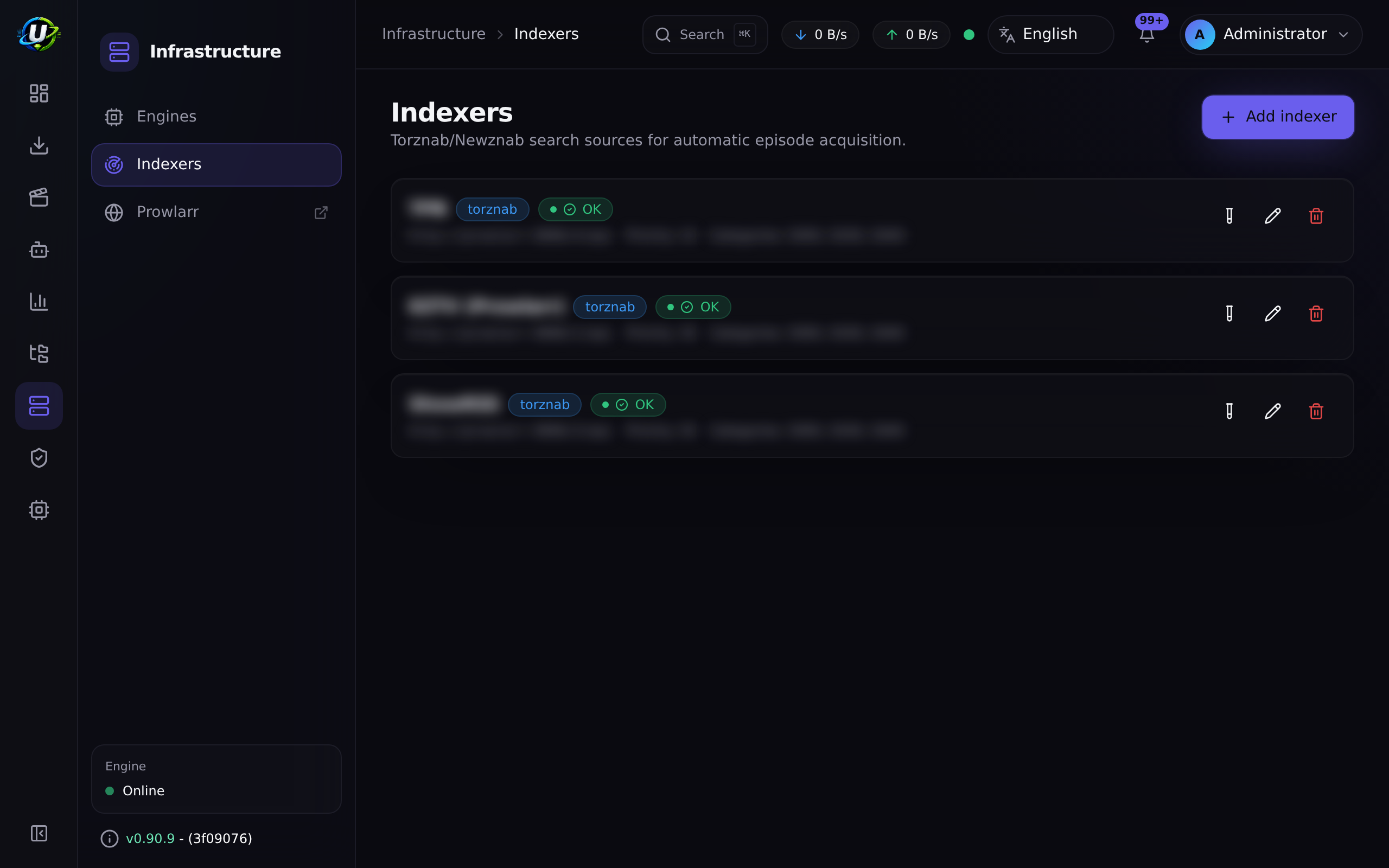
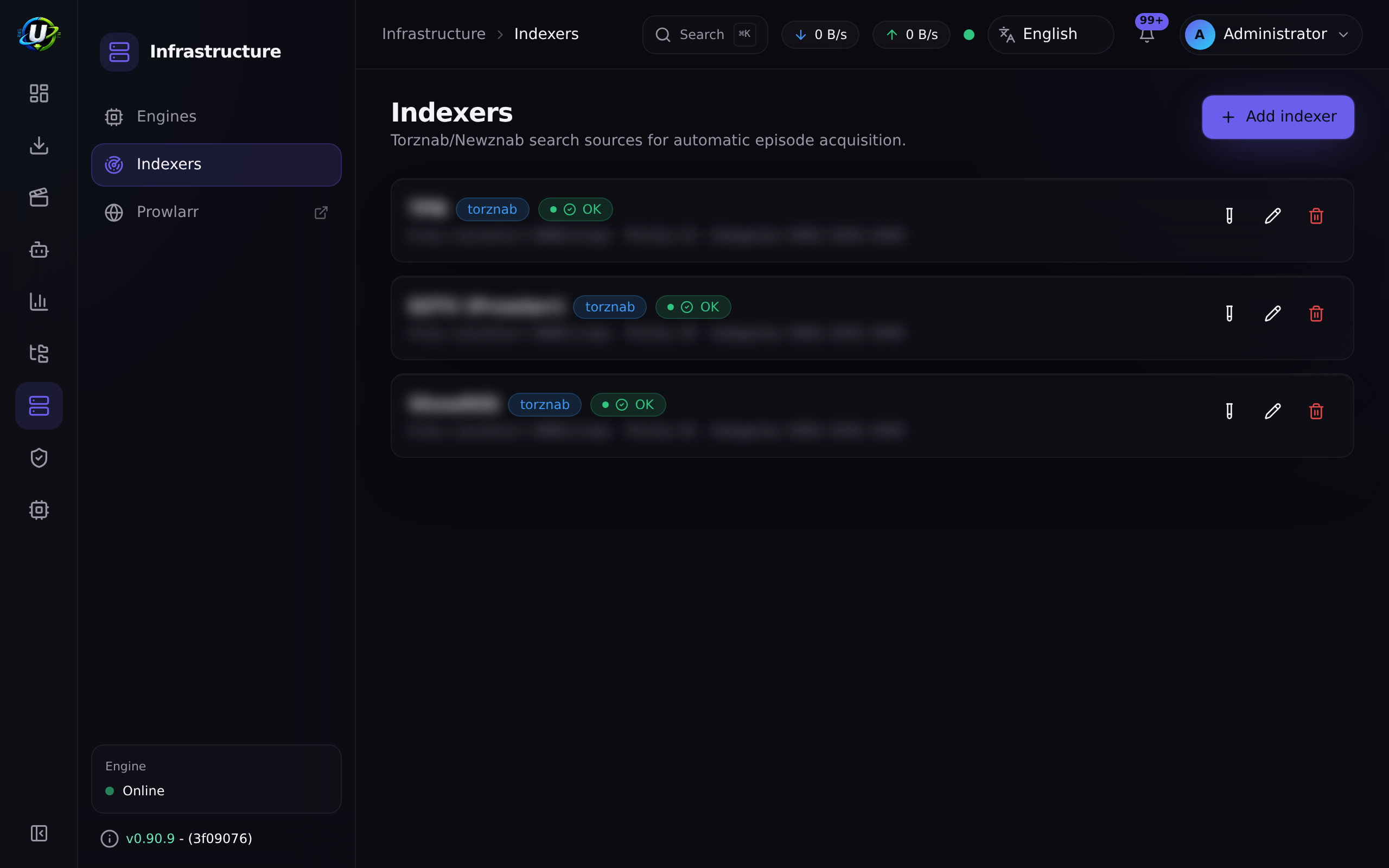
Video coming soon.
Real-world examples
Go from zero to a working search stack in ten minutes
docker compose --profile prowlarr up -d
Add three trackers in Prowlarr. Copy Prowlarr's API key. Connect it in UltraTorrent settings and test. Copy the three Torznab URLs into Downloads → Indexers, each with minSeeders: 3 and a priority. Test each. Now run a manual Search now on a missing episode — you should get candidates from all three, deduplicated by info-hash, with the best one evaluated against your acquisition profile.
Diagnose "the automation grabbed it but nothing downloaded"
The evaluation shows download, an action was recorded, and no torrent exists in the client. That is the SSRF trap, essentially every time. Check the backend logs for "Torrent URL resolves to a blocked internal address". Add the Prowlarr host to SSRF_ALLOW_HOSTS, restart the backend, and re-run the grab. The connection test was green the entire time and told you nothing, because it uses a different, more permissive guard.
Troubleshooting
| Symptom | Cause | Fix |
|---|---|---|
| Connection test is green, but auto-downloads silently do nothing | The trap. The health check trusts private hosts; the .torrent fetch does not. The grab is blocked with "Torrent URL resolves to a blocked internal address". | Add the host to SSRF_ALLOW_HOSTS (default prowlarr in the bundled compose file), then restart the backend. |
| Prowlarr is not running at all | The profile is off by default. | docker compose --profile prowlarr up -d. |
| An indexer test in Prowlarr fails with "blocked by Cloudflare Protection" | The tracker is behind Cloudflare's anti-bot challenge. | Run the flaresolverr profile, add it as an Indexer Proxy in Prowlarr, and tag the affected indexer. |
| FlareSolverr crashes or is very slow | It runs a headless Chromium. It needs RAM and shared memory. | The Compose file allocates a 256 MB /dev/shm. Give the host more RAM, or drop the indexer. |
| The connection test fails outright | Wrong internal URL, or a bad API key. Remember: localhost inside the backend container is the backend, not Prowlarr. | Use the Compose service name (http://prowlarr:9696). Re-copy the API key from Prowlarr. |
| The "Open Prowlarr" link goes nowhere | The Public URL is wrong — it must be reachable from your browser, not from the backend. | Set it to http://localhost:9696 or your reverse-proxied hostname. |
| Searches return nothing though Prowlarr has results | You connected the integration but never added the per-indexer Torznab URLs to Downloads → Indexers. The integration is link-only; it does not auto-configure indexers. | Add each Torznab URL as an indexer. See Indexers. |
Best practices
-
Verify
SSRF_ALLOW_HOSTSbefore you trust any automation. It is the difference between a working pipeline and a silent one. -
Do not expose Prowlarr publicly unless you deliberately route its port. By default it is reachable on the host at
PROWLARR_PORTand over the internal network. Put it behind your reverse proxy with auth if you need remote access. -
Keep FlareSolverr internal. It executes remote pages in a headless browser to defeat bot checks. It has no published host port for a reason — keep it that way, and never point it at untrusted URLs.
-
Back up the
prowlarr_configvolume. It holds Prowlarr's entire state: database, indexer definitions, and API key.docker run --rm -v ultratorrent_prowlarr_config:/c -v "$PWD":/b \alpine tar czf /b/prowlarr_config.tgz -C /c . -
Upgrade by pulling the image.
/configpersists across upgrades, and UltraTorrent's stored API key is unaffected unless you regenerate it in Prowlarr.docker compose --profile prowlarr pull prowlarr && \docker compose --profile prowlarr up -d prowlarr
Common mistakes
- Believing the green badge. It proves the API is reachable. It says nothing about whether a
.torrentfetch will succeed. - Overriding
SSRF_ALLOW_HOSTSand droppingprowlarrfrom the list. Instant silent breakage. - Expecting the integration to configure your indexers. It does not. It is a health check and a shortcut. You still add each Torznab URL to Downloads → Indexers yourself.
- Using
localhostas the internal URL. Inside the backend container, that is the backend. - Exposing Prowlarr to the internet because the port was already published on the host.
FAQ
Do I need Prowlarr? No. UltraTorrent searches any Torznab/Newznab endpoint. Prowlarr is a convenience — a manager for hundreds of tracker definitions.
Does UltraTorrent proxy requests through Prowlarr's API? Only two things: the health check (version + indexer count) and the Torznab searches you configured as indexers. It does not proxy arbitrary Prowlarr endpoints and does not modify Prowlarr's configuration.
Is the Prowlarr API key safe?
It is AES-256-GCM encrypted at rest, redacted (••••••••) in every API response, and never logged. It travels in an X-Api-Key header, and the URL is never written to logs.
Why is the health check allowed to reach a private IP when torrent fetches are not?
Because a private IP is the expected target for the health check — prowlarr:9696 is a Docker service name. A .torrent URL, by contrast, can come from an untrusted feed, so fetching one is guarded much more strictly. The allow-list is how you say "this specific private host is one I trust."
What gets audited? Settings views and updates, API-key changes, connection tests, and opens.
Checklist
-
docker compose --profile prowlarr up -d. Expected: Prowlarr answers onhttp://<host>:9696. - Complete Prowlarr's wizard and add at least one tracker. Expected: it tests green inside Prowlarr.
- Connect the integration in UltraTorrent and Test connection. Expected: a green badge with a version and indexer count.
- Confirm
SSRF_ALLOW_HOSTScontains your Prowlarr host. Expected:prowlarr(or your host) is listed. - Add a Torznab URL as an indexer with
minSeeders. Expected: Test succeeds and returns capabilities. - Run a manual missing-episode search and confirm the torrent actually appears in your client. Expected: a real torrent, not just a recorded evaluation. This is the only test that proves the SSRF path works.
See also
- Indexers — where the Torznab URLs actually go.
- Missing Episodes — what the search is for.
- Smart Download — what decides on each candidate.
- Docker Compose install — profiles and companion containers.
- Environment reference —
SSRF_ALLOW_HOSTS,PROWLARR_*. - Security — the SSRF model.
- Reverse proxy